On this page
What is "Shipping"?
Shipping means making your project public and submitting it for review. Once a reviewer approves it, you earn gold for the hours you put in. That gold buys things in the shop, funds hardware builds, and counts toward the trip.
A project that only lives on your computer can't be shipped. Only you can see it, nobody else can learn from it, and in a few years you won't remember much about it. Shipping fixes that. It is almost as important as the project itself.
What you need before you ship
Three minimums turn a folder of files into something shippable. Get these right and the rest is easy.
1. Document what your project is
- Why you built it: your motivation and story.
- A short description of what it does.
- How it fits together, with photos for hardware.
2. Make it understandable and organized
All files and resources should be easy to find and well organized. Include the source files so someone else could replicate or build on your work. A dump of files with a two sentence README makes it hard for anyone to recognize your work or learn from it.
3. Make it public and online
Your project has to live on GitHub where people can read and clone it. Private repos and "download this zip from Google Drive" do not count.
AI assistance is allowed when the result is work you actually understand and have polished. A project that's mostly raw AI output, with no human review, refinement, or iteration on top, will be rejected at review. Reviewers will ask you to explain how your code works, and "the AI wrote it" is not an answer. See Fix My Project for how to recover if your project gets flagged for this.
Here is how to hit minimum 3:
- New to GitHub? Follow the Software Setup page first. It walks you through installing GitHub Desktop and making your first commit.
- Create a public repository. In GitHub Desktop, go to File → New repository, name it after your project, do NOT tick "Keep this code private", and push it.
- Write a real README: one line that says what it is, a short paragraph about why you built it, setup instructions for anyone who wants to try it, and photos for hardware projects. The What Makes a Good Project? page has examples.
- Add a
LICENSEfile. Any open-source license works (MIT, Apache 2.0, GPL, and so on); MIT is just the simplest default if you have no preference. GitHub's "Add file" button has a template for each. If you build on someone else's open-source work, follow their license and credit them in your README. - Add topics on the repo page (e.g.
hardware,pcb,keyboard) so the project is findable. Pin it to your GitHub profile once you are proud of it.
How do I actually ship?
When your project is ready, open its project page and find the Submit for Review section. Macondo runs a quick checklist (GitHub repo, README, thumbnail, a shipping address on your Hack Club account, and enough logged time), and the button stays blocked until each item is green. Then hit Submit for Review.
One thumbnail rule that trips people up: it has to be a screenshot or photo of your working project, not a logo or a generic image. It's your project's banner, and reviewers check it. A ship whose banner doesn't show the real thing gets sent back for changes, so save yourself the round trip.
The submit can take up to a minute while we run automated checks in the background. That's normal. Don't close the page.
After you submit, your project enters the review queue and its details and journals go read-only until the review finishes. Your streak is protected while you wait.
What happens in review?
A reviewer is a real person who opens your project, reads your README and journals, checks your logged hours, and decides one of three things:
| Decision | What it means | What you do next |
|---|---|---|
| Approved | Your work checks out. Gold lands in your balance. | Nothing. Go spend it, or ship an update. |
| Changes requested | Something needs fixing first. The reviewer tells you what. | Fix it, then Resubmit for Review. |
| Rejected | The ship can't be accepted as is. | A reviewer can re-open it, but a permanent rejection is final. |
When a reviewer asks for changes, you'll get a message explaining what to fix, in the app and over Slack and email. The project drops back into your hands so you can edit it. Make the fixes, then hit Resubmit for Review to send it back to the queue.
If I resubmit, where does the time in between go?
Your hours are counted as of the moment you press Submit. Everything you have logged up to that click (within the program window, and minus anything a previous approved ship already paid) is what that submission is reviewed and paid on. Work you log after submitting is credited to your next submission instead, so nothing is ever lost and nothing is paid twice.
Concretely:
- A reviewer requests changes and you resubmit. The hours are re-counted when you resubmit, so time spent making the fixes is included in that resubmission.
- Your ship gets approved and you ship an update later. The update pays only for work done after the approved ship's submit moment. Time you logged while the approved ship sat in the queue counts toward the update.
When do I get my gold?
On approval. The hours a reviewer signs off on are paid as gold straight into your balance, using your project's level rate and streak multiplier. See How Levels Work for the gold per hour table and Currency for how the streak multiplier stacks on top.
For hardware that requested parts funding, approval queues a grant instead of (or alongside) gold. See Sourcing Parts for how funding works.
A reviewer pays you for the hours they can verify, which isn't always the raw number on your dashboard. If your logged time isn't backed by visible work (commits, journal entries, a working demo), they can lower it. This is normal and not a punishment, it's how rewards stay fair for everyone. The way to avoid a surprise is simple: commit often, journal as you go, and keep your logged time honest. If your hours do get reduced, the reviewer will tell you why.
Can I reship after approval?
Yes. Once a project has an approved ship, your next submission is an update ship. You keep building, then ship again to get paid for the new work.
Two things are required on an update:
- Mark it as an update. The project page has a toggle for this. Macondo also auto detects it from your prior approved ship.
- Describe what changed. A short note in plain English so the reviewer (and you, later) can see what's new.
An update ship also has to contain real new work since your last approval: either more logged Hackatime time, or a new journal with real hours. You can't get paid twice for the same work. If you ship a URL that's already been submitted somewhere, you'll be asked to mark it an update and explain what you added before it goes through.
Why is my review queue number going up?
That's normal, and it doesn't mean you did anything wrong. The queue is first in, first out, and your "#X of Y" counts every project of your type (software or hardware) currently waiting. As more makers ship, the total climbs, so the number can rise even while you sit and wait. Software and hardware have separate queues, so a hardware ship only moves forward when other hardware ships get reviewed, and the same for software.
Your project page also shows a rough time estimate based on how long recent reviews have taken. It's a guess, not a promise.
Examples of Well-Shipped Projects
By Hack Clubbers
These were all built by teenagers. Notice how each one has a clear README, source code, and you can immediately understand what it does:
Software:
- DoomPDF. Doom (1993) running inside a PDF document. By Allen, 18.
- Vert. A file converter that uses WebAssembly to convert files on your device. By Maya, 17.
- Specter. A game about a knight escaping a cave, haunted by his own ghost. By Ayessa, 18.
- Blind Defusal. A two-player cooperative bomb defusal game. By Joshua, 17.
Hardware:
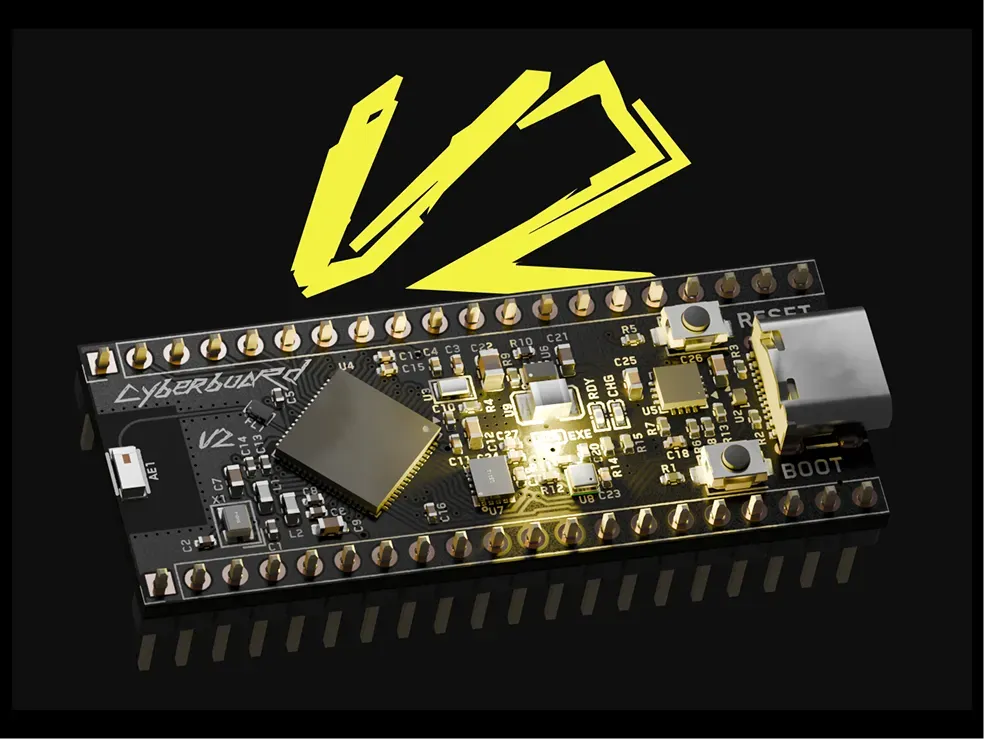
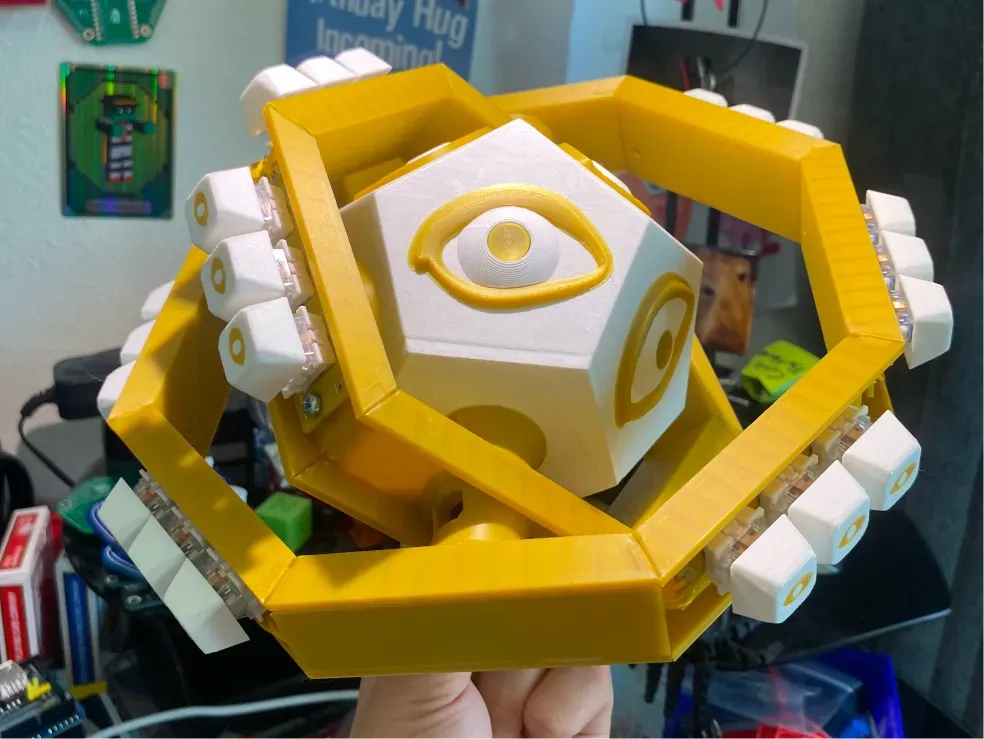
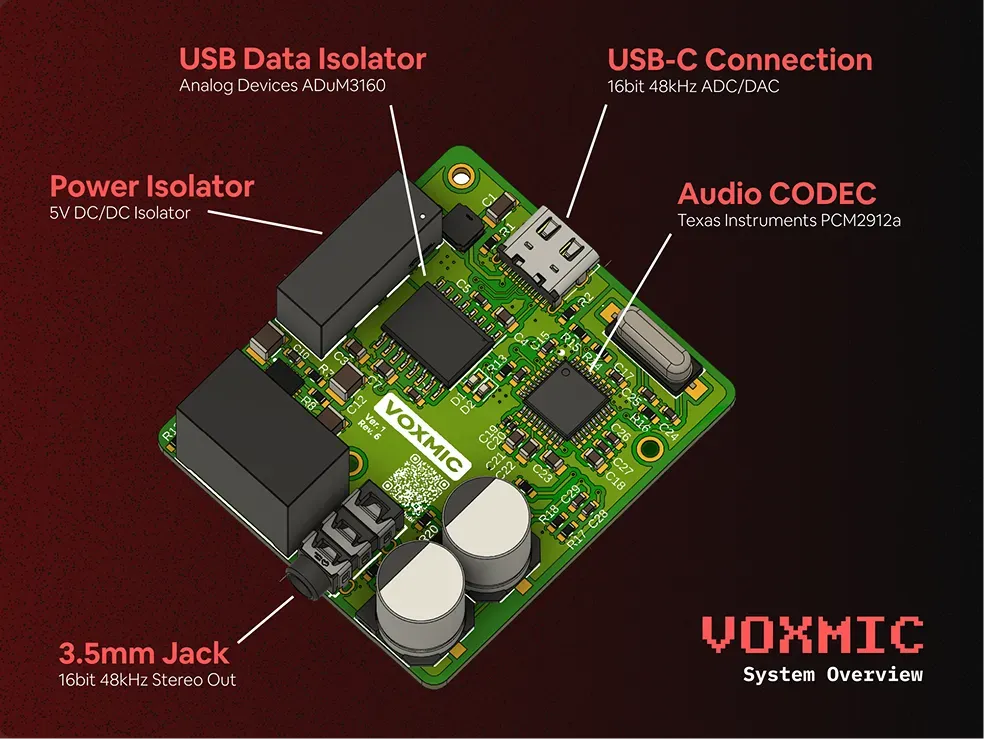
Also worth a look: LibrePods, AirPods liberated from Apple's ecosystem. By Kavish, 17.
Outside of Hack Club
These are real open-source projects with great documentation. Notice how they all have instructions and are public for anyone to learn from:
- DuckyPad: Do-it-all mechanical macropad
- Voron 0: Open source 3D printer
- Excalidraw: Virtual whiteboard for sketching
- CharlieBoard: Live Boston subway map
See also
- How Levels Work , what each level pays in gold, funding, and fruit
- Currency , how gold, streaks, and the fruit count work
- Journals , how daily updates and logged hours work
- Fix My Project , how to recover when a ship gets flagged or bounced
- Sourcing Parts , how hardware funding grants work